





Fire TV Stick: Complete 2026 Buying Guide

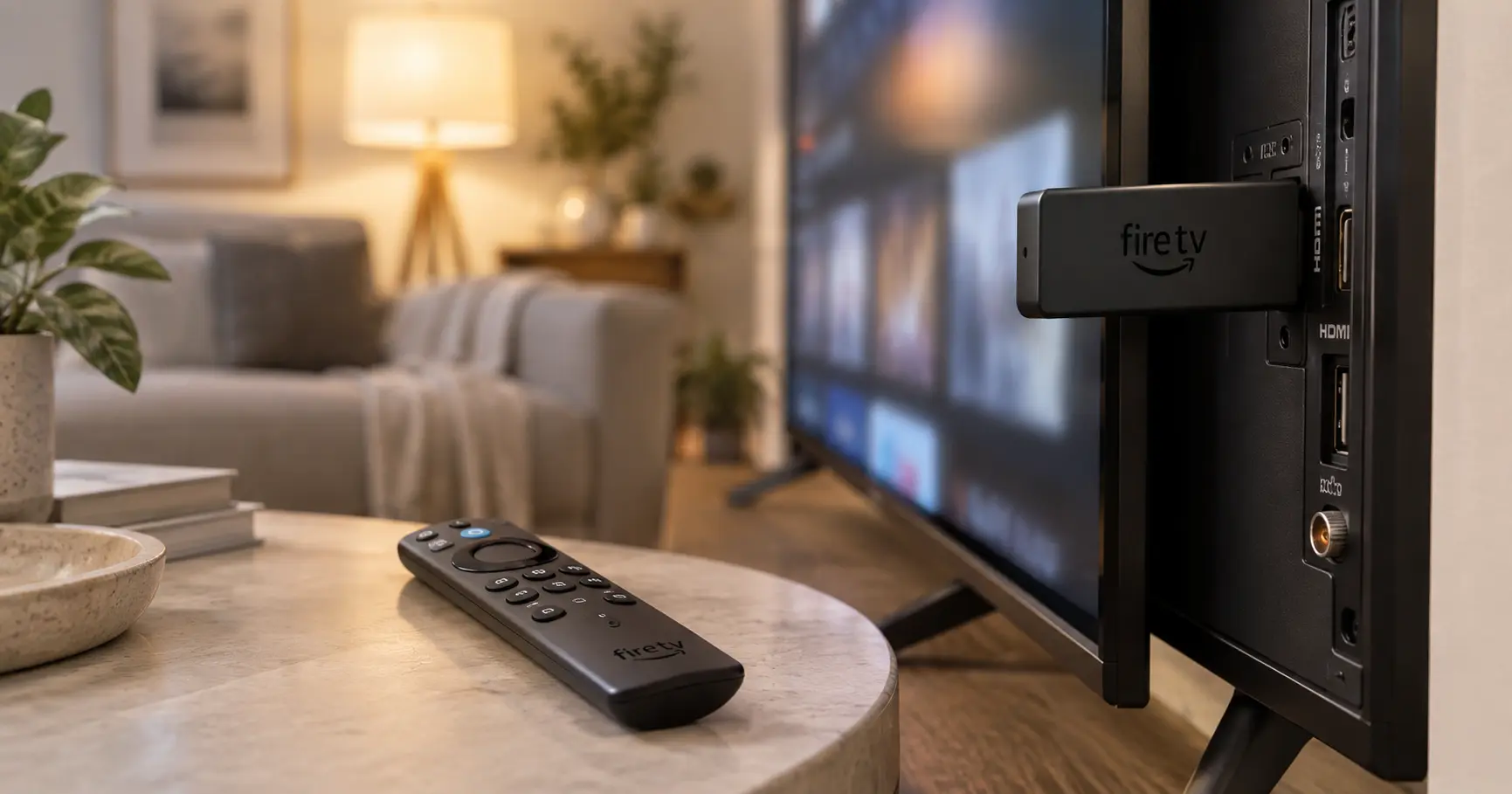
A Fire TV Stick is a lighter-sized device that turns any TV with an HDMI port into a smart TV with access to Netflix, Prime Video, YouTube, and the rest of the streaming apps. Your TV doesn't need to be «smart» — if it has HDMI, the Fire TV Stick does the rest. Here's how it works and which model to choose from the ones we have in stock.
What a Fire TV Stick is and what it's for
The Fire TV Stick is an Amazon streaming player that plugs into your TV's HDMI port and is powered via USB. Once connected, it fully replaces the tuner on a «dumb» TV or complements an older Smart TV that's grown slow: it gives you access to Netflix, Prime Video, Disney+, YouTube, and hundreds more apps, all from a single menu with a voice remote that includes Alexa.
The difference versus using your TV's own apps directly comes down to updates: Amazon keeps updating the Fire TV Stick with new features for years, while many Smart TVs stop receiving app updates after 2-3 years. It's the cheapest way to «rejuvenate» a TV without replacing it.
How to set up a Fire TV Stick
Setup is the same across the four models we have available:
- Plug the Fire TV Stick into your TV's HDMI port.
- Connect the USB power cable to a power outlet (depending on the model, you can't always power it from the TV's own USB port).
- Switch your TV's input to the HDMI port you connected the device to.
- Follow the on-screen wizard: select your language, connect to your WiFi, and sign in with your Amazon account (or create one if you don't have one).
- Log into your streaming apps (Netflix, Prime Video, etc.) from the Fire TV menu itself.
The whole process takes 10 to 15 minutes the first time.
The 4 available models: which one to choose for your needs
Amazon sells several versions of the Fire TV Stick with similar names, and it's easy to mix up 4K, 4K Plus, 4K Max, or HD. Here's what we have in stock at Macys Digital and what each one is best suited for:
| Model | Resolution | WiFi | Storage | Best for |
| Fire TV Stick HD | Full HD | WiFi 5 | - | Secondary or small TV, occasional use |
| Fire TV Stick 4K | 4K UHD | WiFi 6 | 8GB | Everyday 4K TV use, the most balanced option |
| Fire TV Stick 4K Plus | 4K UHD, Dolby Vision/Atmos | WiFi 6 | 8GB (2GB RAM) | Same as the 4K with better HDR sound/picture |
| Fire TV Stick 4K Max | 4K UHD | WiFi 6E | 16GB | Main TV, heavy use, several devices connected at once at home |
The Fire TV Stick 4K Plus adds compatibility with Dolby Vision, Dolby Atmos, and HDR10+ compared to the standard 4K — you'll notice it most if your TV already supports these formats; if not, the practical difference is minimal. The 4K Max, with WiFi 6E and double the storage, makes sense if your router is recent (not every router has WiFi 6E yet) or if you're going to install a lot of apps.
In my experience recommending these devices in-store, the most common question isn't «which one is better» but «which one is overkill for me» — a lot of people overpay for the Max when the regular 4K already covers typical home use more than well. I only recommend stepping up to the Max if your home WiFi is already 6E, or if the TV sits in a spot with weak router coverage, where the antenna difference really shows.
If your TV doesn't reach 4K, the HD is the sensible choice — although at the time of writing we don't have units in stock, you can ask us about availability. In my experience, it's the model that moves the least in-store: most customers who come in to buy already own a 4K TV, so if you're unsure about your TV's resolution, check its specs first before settling on the HD.
Frequently Asked Questions
What channels can I watch with a Fire TV Stick?
It's not a traditional TV decoder, but access to streaming apps: Netflix, Prime Video, Disney+, YouTube, and live TV apps like RTVE Play or Atresplayer, among hundreds of other apps available on the Amazon Appstore.
How can I watch everything for free on my Fire TV Stick in Spain?
The device itself has no subscription cost. You can install free apps like RTVE Play, Atresplayer (with ads), YouTube, or Pluto TV at no extra charge — what does cost money are paid streaming platforms like Netflix or Prime Video, same as on any other device.
Does the Fire TV Stick need a subscription to work?
No. The device itself has no monthly cost. You only pay if you decide to subscribe to paid platforms (Netflix, Disney+, etc.); free apps work at no added cost.
Not sure which Fire TV Stick model fits your TV? We have it available at Macys Digital, Tenerife, with warranty included. If you're also looking at other devices, check out all the electronics available in Tenerife and the Canary Islands in our store. Message us on WhatsApp and we'll help you choose..